

Themes
Find a storefront that feels like your brand
We carefully design and develop every Cartivma theme to give your customers a premium shopping experience as your store grows. Choose a layout that suits your products, then customize its colors, content and sections.
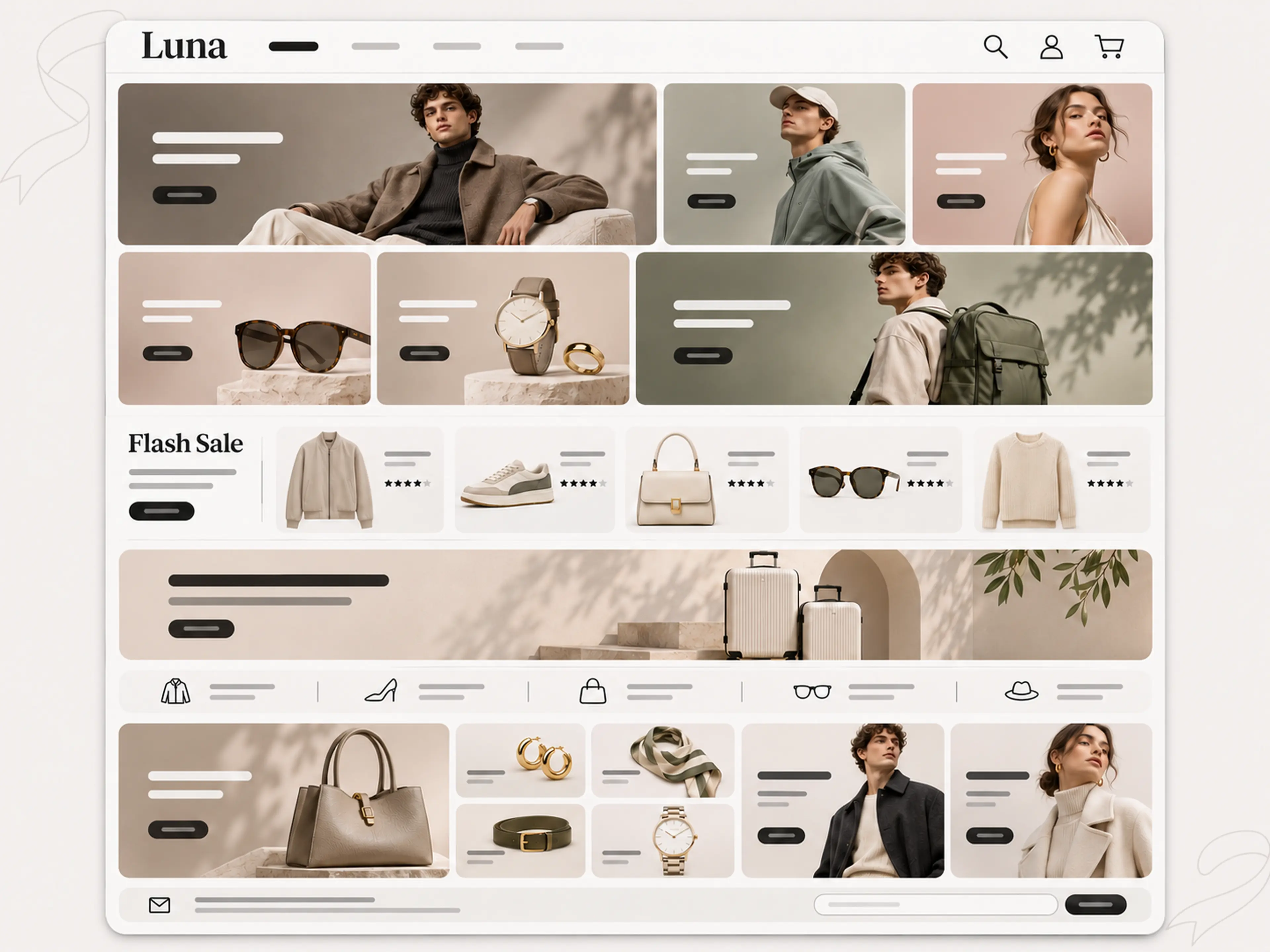
1 theme category
Find a design that fits your business.
- General
A LOOK THAT BELONGS TO YOU
Start with a theme. Finish with your identity.
Choose a starting point, shape your page sections, and bring your own colors, fonts and imagery. Build a storefront that feels like your brand from the first visit.
A space that feels like you.
Thoughtful details. Natural textures. Your own point of view.
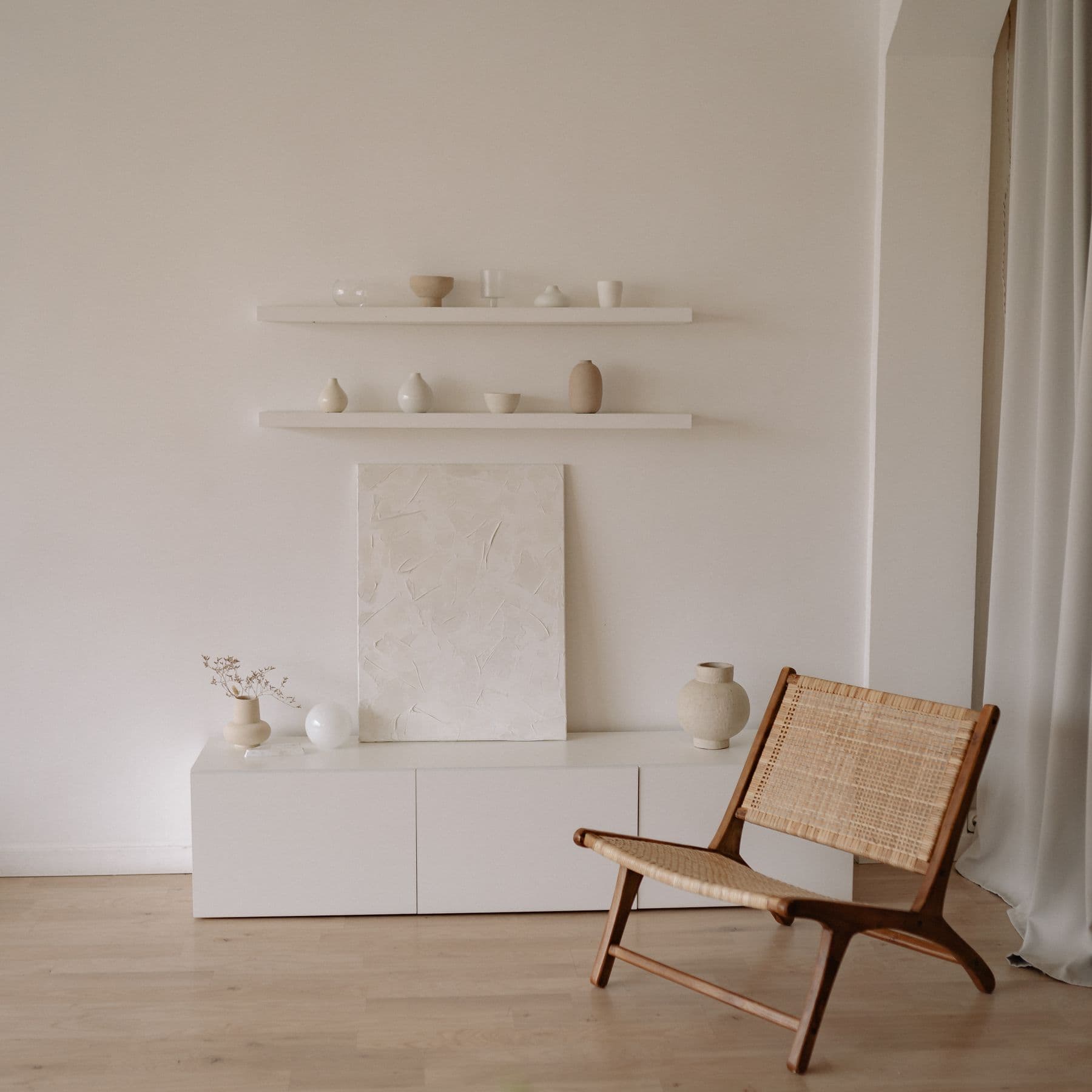
Make every detail yours
Set the mood
Match your colors, typography and images to the way you want your brand to feel.
Shape the page
Add, reorder and customize supported sections. Give your story the space it needs.
See it on every screen
Preview desktop, tablet and mobile layouts before publishing your theme.
Catalog
Explore the theme collection
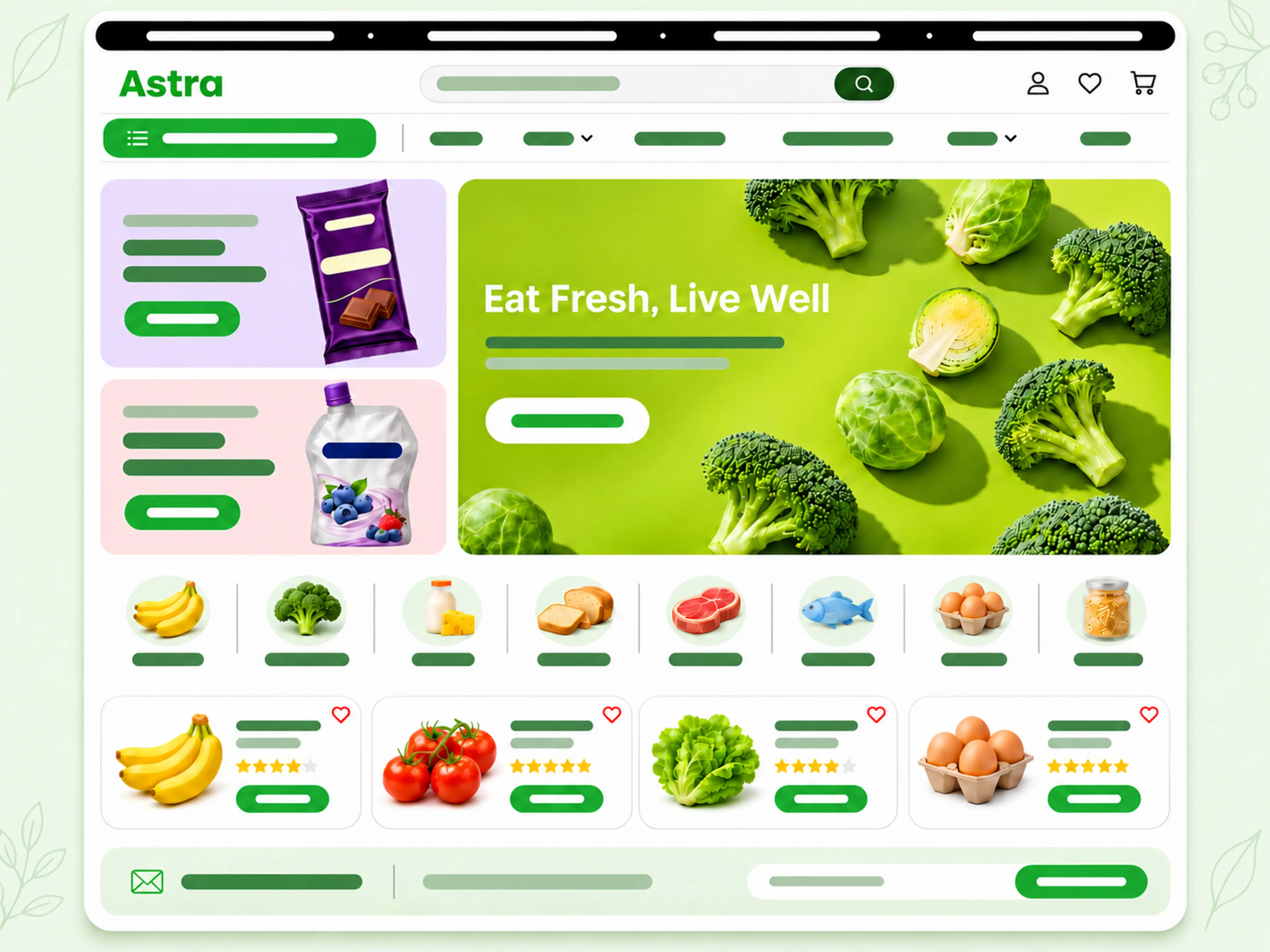
Compare storefront previews and filter by industry to find a starting point for your store.
Fusion
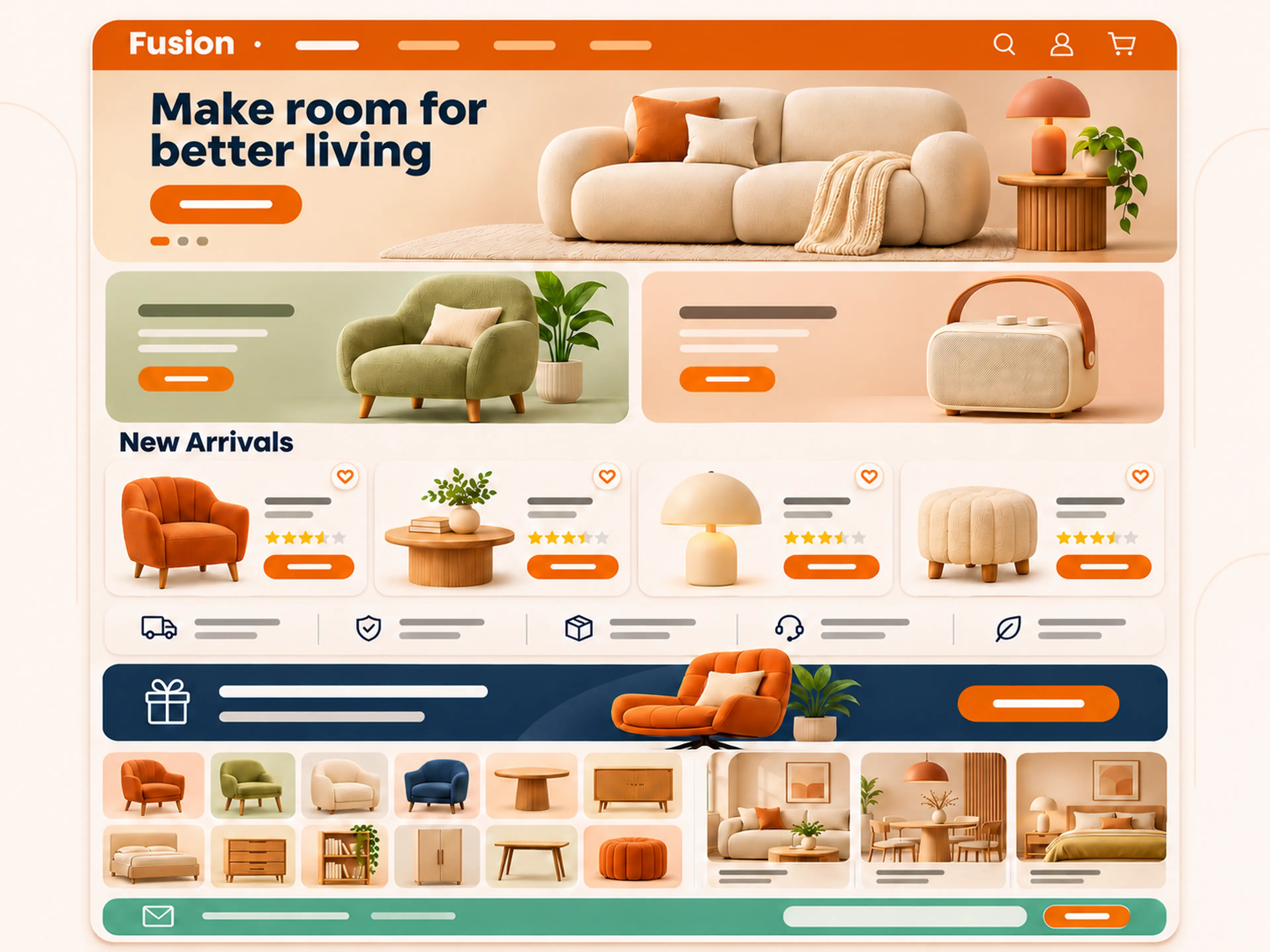
A warm furniture storefront built for browsing rooms, products, and ideas.
- General
- 1.0.3
Hermis
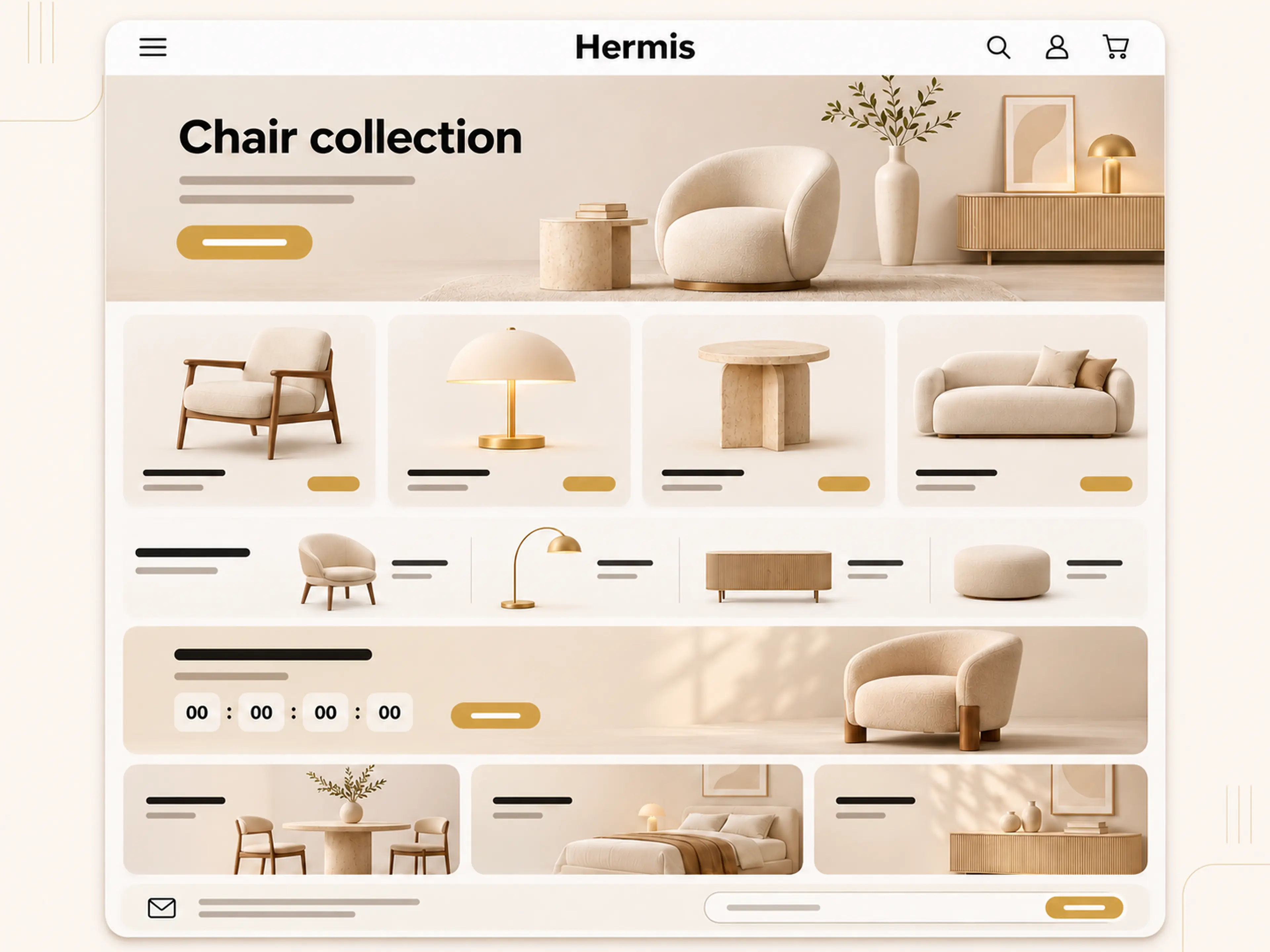
A quiet furniture storefront with a gold accent, centered logo, and room for the catalog.
- General
- 1.0.2
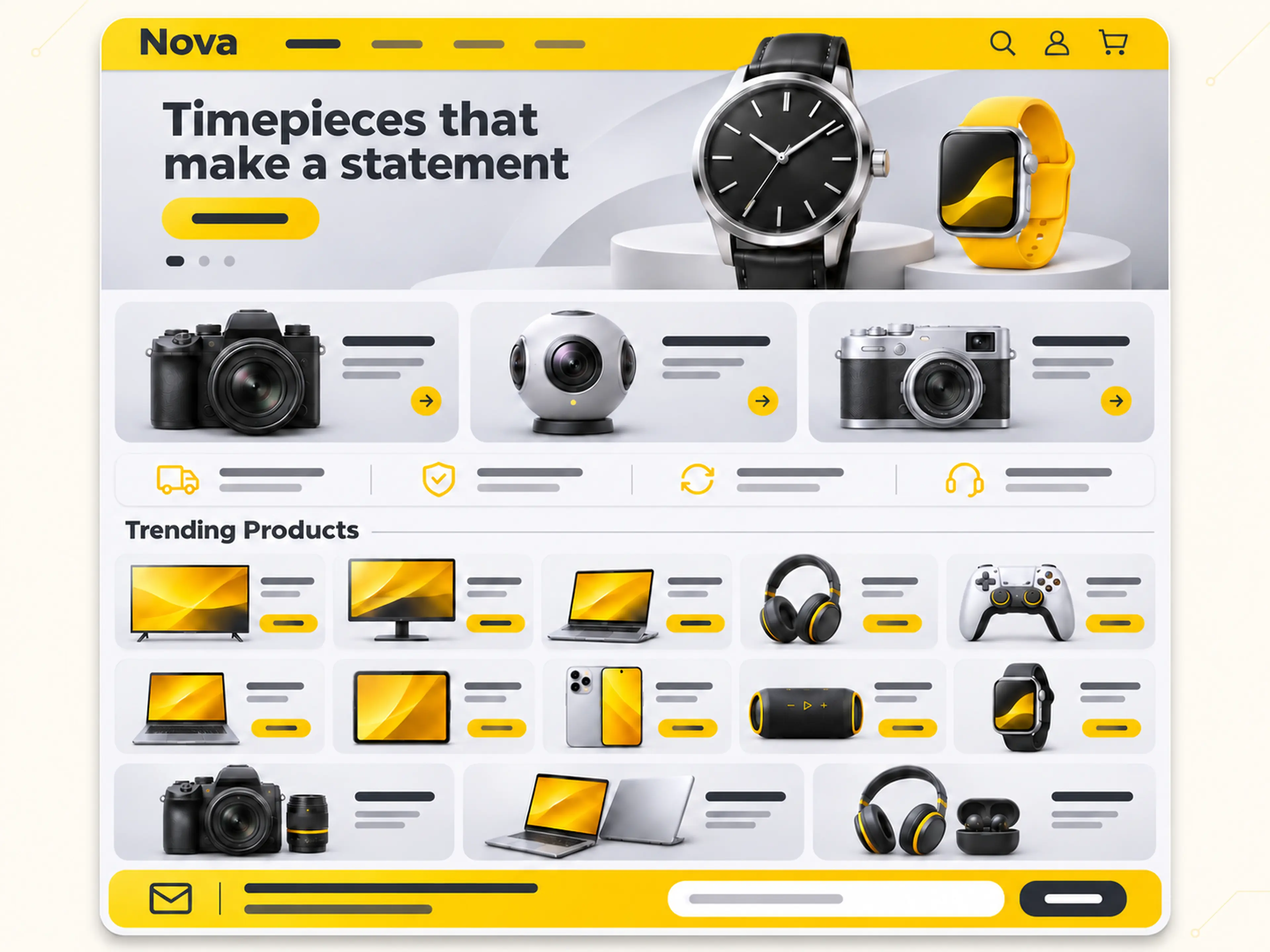
Nova
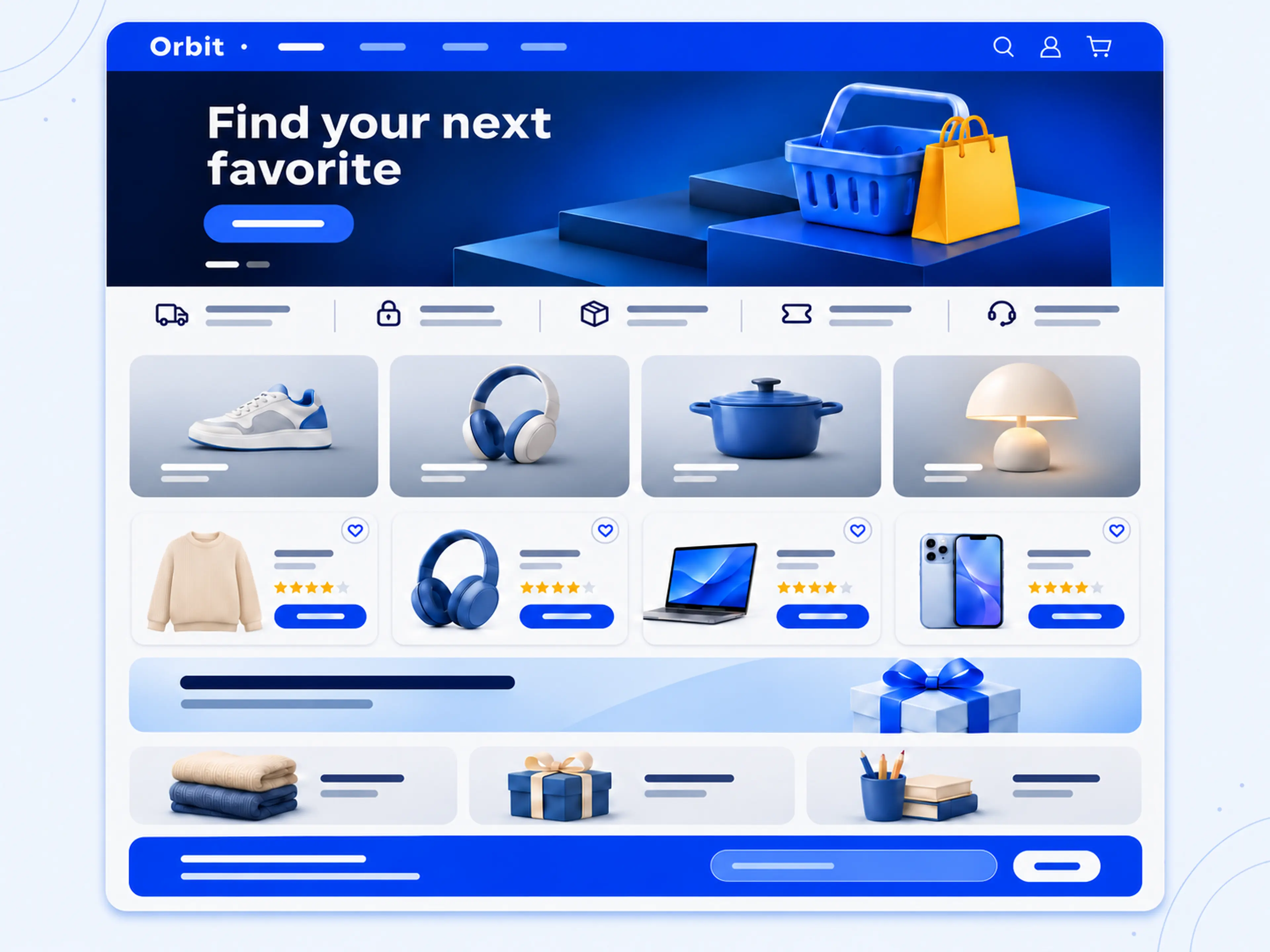
A bright electronics storefront built for discovering products, deals, and ideas.
- General
- 1.0.6
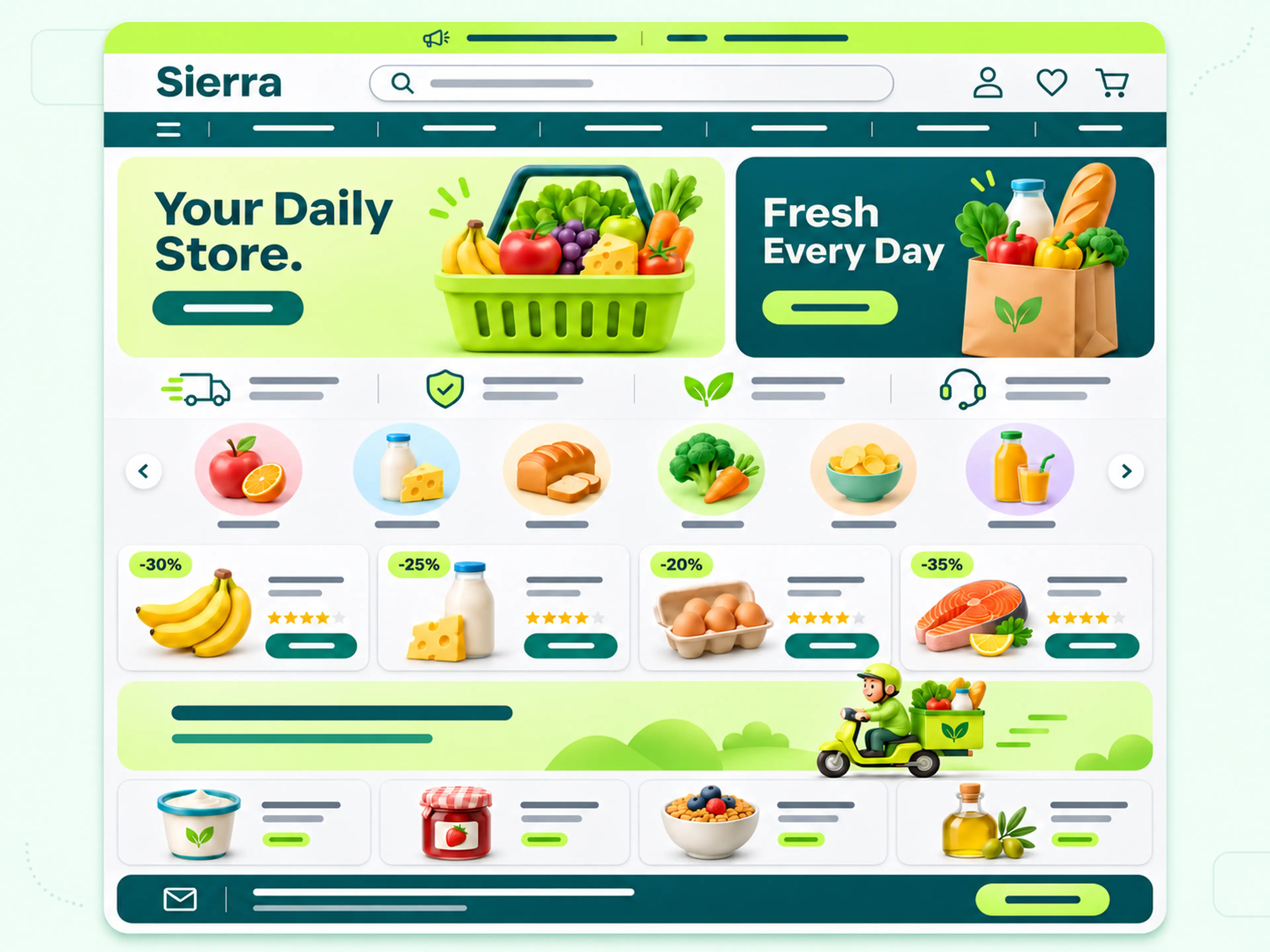
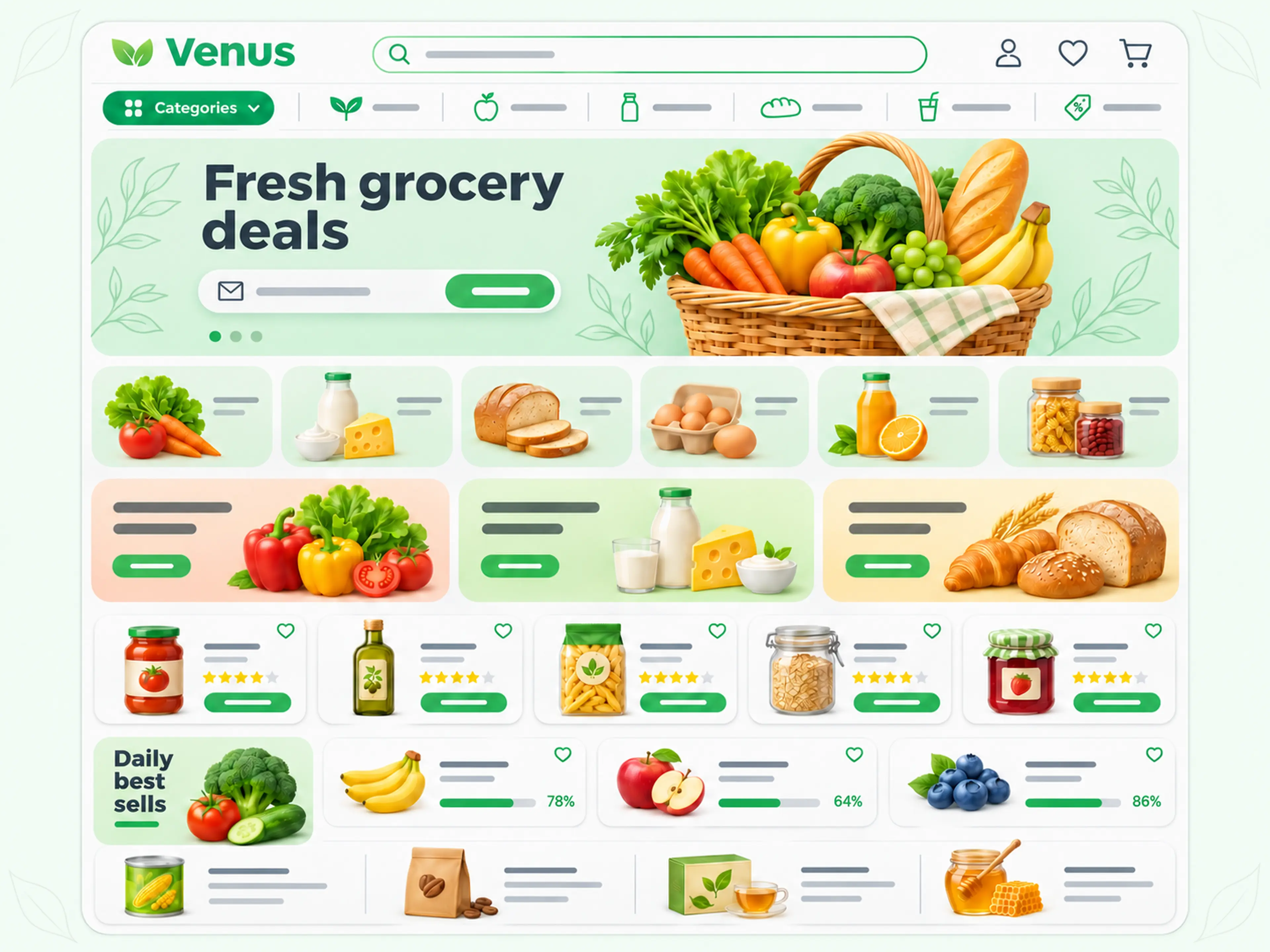
Venus
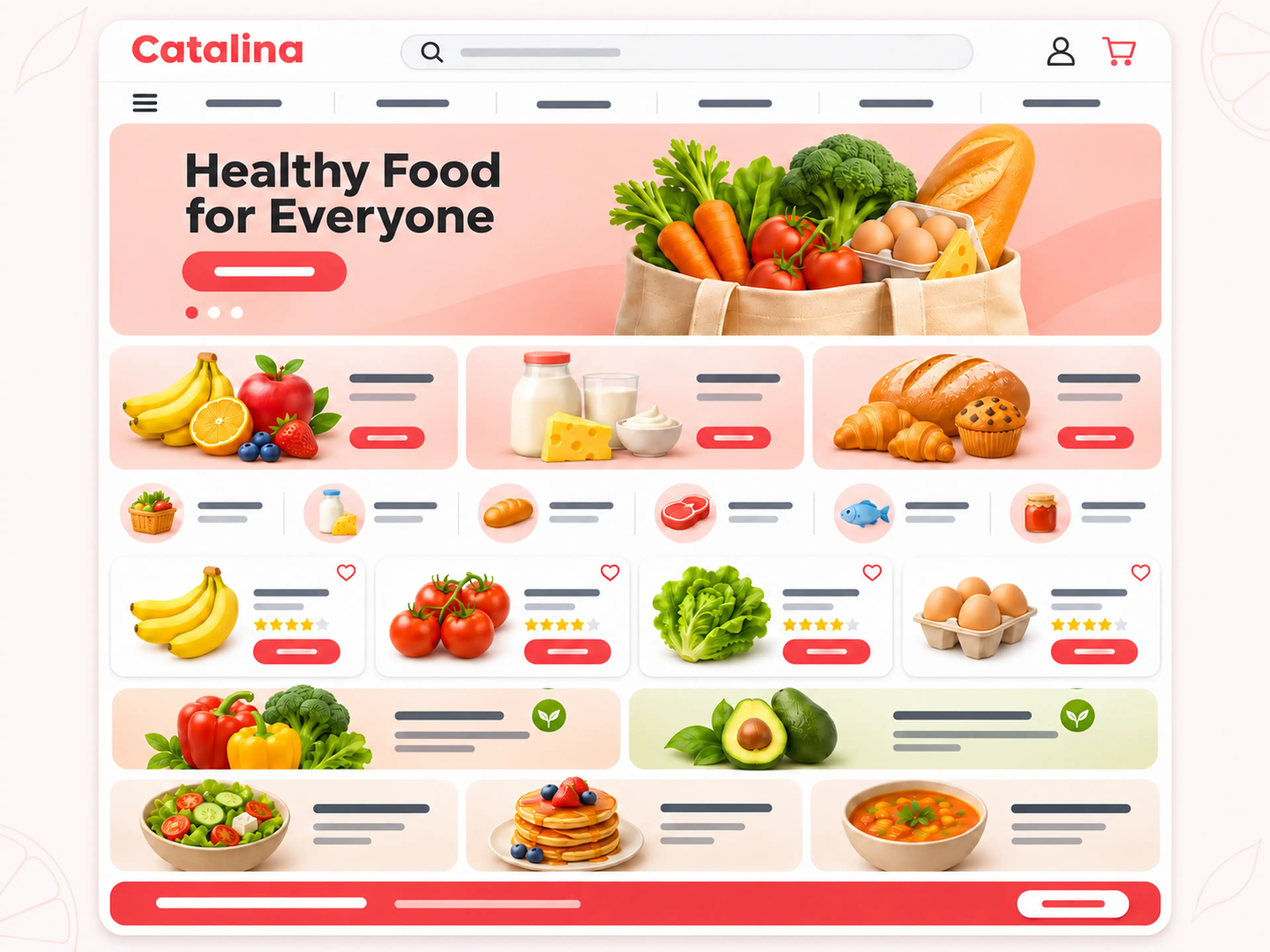
A fresh, market-style storefront for food, home, and everyday essentials.
- General
- 1.0.3
How it works
Make the theme your own
Pick a theme for your store
Look at how each theme presents products and collections. Choose a layout that makes it easy for shoppers to find what they came for.
Apply your brand identity
Use the theme editor to add your logo and images, set your colors and arrange the available sections.
Preview and publish
Preview your theme on mobile and desktop. Check how product names and translations fit, then publish when everything looks right.
Frequently asked questions
Learn more about choosing and customizing a Cartivma theme.
How do I choose a theme?
Explore the collection and compare each design with the products and content you want to showcase.
How do I set up a theme?
Open Themes in your Cartivma dashboard, choose a theme and customize it with the theme editor.
Can I customize my theme?
Yes. Use the theme editor to add your branding, update content and arrange the available sections.
Can I preview a theme before publishing?
Yes. Preview your storefront on mobile and desktop, then publish when you are ready.
Ready to shape your storefront?
Open Themes in your dashboard to choose a design and start customizing.